
Song Requests Without Chaos: A Better Guest and DJ Workflow
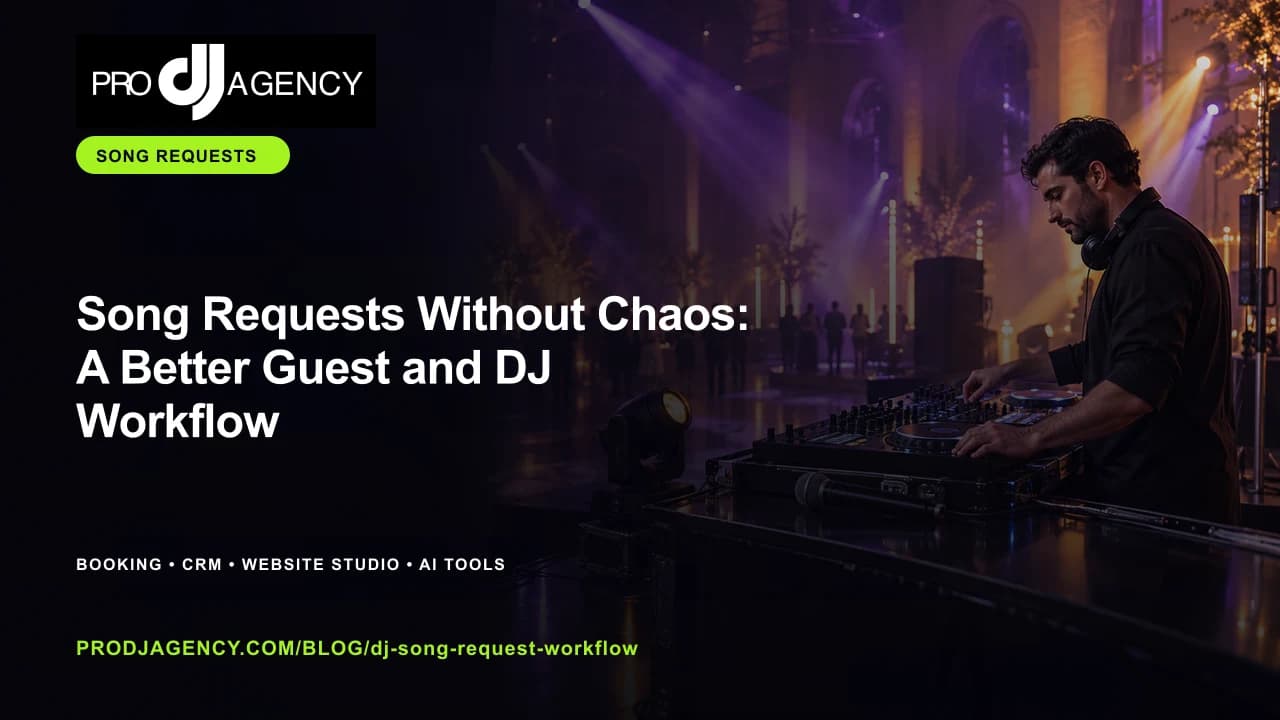
Requests can add energy when the rules are clear. The DJ remains responsible for deciding what fits the moment, the client’s plan, and the venue.
Workflow at a glance
- Explain the request rules
- Collect client priorities first
- Capture useful song and artist context
- Review requests against the room
Set expectations before the event
Tell guests and clients how requests work, what information helps, and who has final say. A short explanation prevents people from treating the form like a guaranteed playlist.
Give the client control
Collect must-plays, do-not-plays, special moments, and cultural notes before opening the guest channel. The client’s direction should be the foundation.
Review in the room
Use requests as signals, then make the call based on timing, energy, age mix, lyrics, and the event plan. A visible review step keeps the experience intentional.
A simple review before you publish or send
Read the plan from the client’s point of view. Can they see what happens next, what they need to provide, and where their event is different from a generic booking? Remove any claim you cannot support and replace it with a clear detail about the work.
Frequently asked questions
Should every request be played?
No. The DJ should review each request against the client’s direction, event timing, venue, and the atmosphere in the room.
How early should requests open?
Open them when clients have enough context to guide the event and close or pause them when the final plan is being locked.
Ready to put this into practice? Use ProDJ song requests with your live-event plan so guest input stays useful.
ProDJ’s free plan lets you start without a card. If the workflow becomes part of more of your business, the pricing page explains the paid plans and the capabilities connected to each one.
Ready to Level Up Your DJ Business?
See how ProDJ can connect your website, booking workflow, client follow-up, and event tools in one place.
Get Started Free