DJ Website Builder Guide: Build a Site That Helps You Get Booked
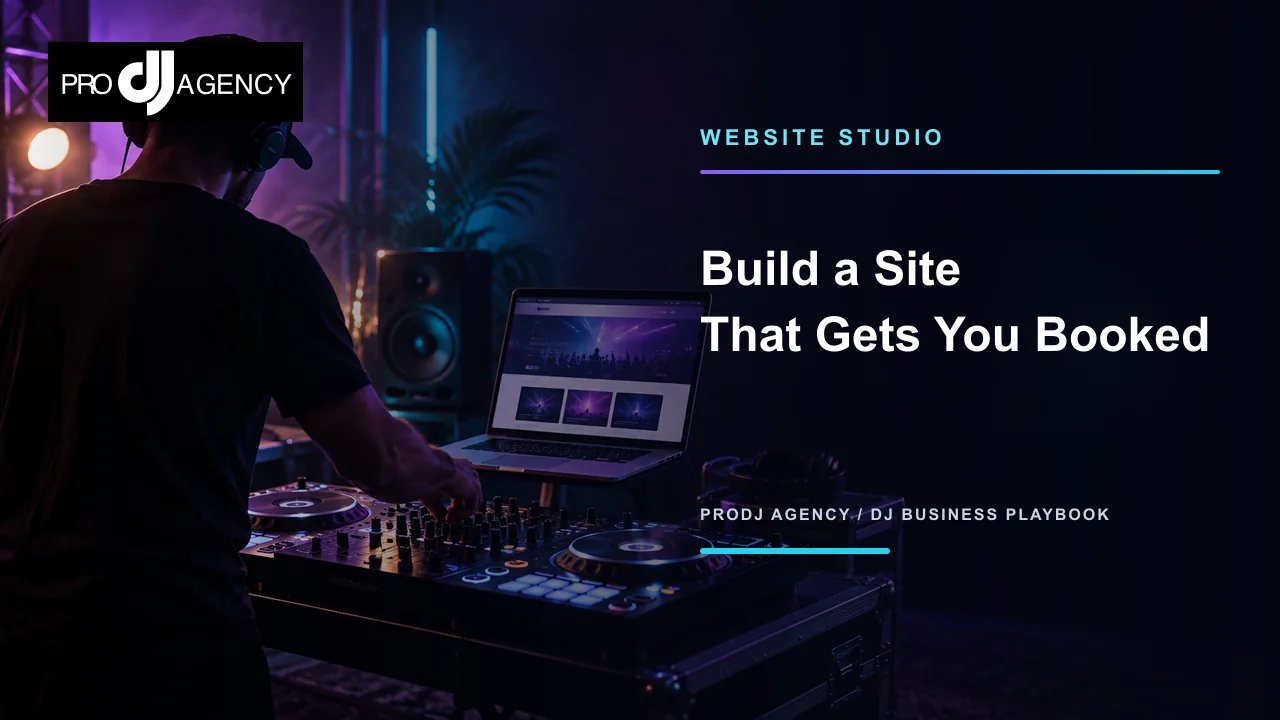
A DJ website has one job before it has many features: help the right client understand your offer and take the next step. The best site is not the one with the most effects. It is the one that makes your sound, service area, proof, and booking process easy to understand on a phone.
What a high-converting DJ website needs
- A clear headline that names your event type, sound, and market.
- Service sections that explain what clients receive.
- Proof such as real images, mixes, testimonials, and event details.
- A simple inquiry path with the questions you need to respond well.
- Mobile, tablet, and desktop layouts that remain readable and intentional.
1. Start with the client, not the template
Before choosing colors or animations, write down who you want to book and what they need to know. A wedding client may care about planning, announcements, and a packed but appropriate dance floor. A corporate planner may care about timing, clean edits, reliability, and a professional production setup. A club promoter may want a specific sound, availability, and a link to your mixes.
Pick one primary audience for the first version of the page. You can add supporting services later, but the opening section should not ask every visitor to decode your entire business.
2. Make the first screen useful
Your hero section should answer three questions quickly: what do you do, where do you do it, and what can the visitor do next? Use one primary call to action such as Start your DJ profile or request a date. Keep secondary links available for people who are still learning.
3. Use real business context
A generic AI paragraph cannot replace your actual service details. Add the event types you serve, the locations you cover, the equipment or production options you provide, and the planning experience clients can expect. Website Studio is designed to use your profile context as the starting point so the first draft is closer to your real business.
4. Build proof into the page
Use photos you own or have permission to publish. Explain what happened in each image instead of adding a vague caption. Link to mixes or videos that represent the events you want more of. If you have testimonials, include the client context you are allowed to share and keep the wording authentic.
5. Connect the website to booking
A visitor should not have to copy your email address into another app to contact you. Your inquiry form should collect the date, venue or city, event type, timing, and a short description of the experience they want. That gives you enough context to respond without an unnecessary round of questions.
From there, Booking Engine can carry the event into proposals, agreements, and payment steps. The website earns attention; the workflow protects it.
6. Review every breakpoint
Open the site at mobile, tablet, and desktop widths. Check that the headline wraps naturally, the main button is easy to tap, images are cropped intentionally, and the form is not exhausting to complete. Read the page with a slow connection in mind and remove anything that delays the reason someone came.
DJ website launch checklist
- Use one clear headline and one primary booking action.
- Show services, service area, and what is included.
- Add real proof with useful alt text and captions.
- Connect the inquiry to a trackable booking workflow.
- Review the live page on mobile, tablet, and desktop.
- Publish only after the page is accurate and the contact path works.
A strong DJ website is an operating surface for your business, not a digital flyer. Build the page around a real client decision, then connect that decision to the work that follows. Explore Website Studio when you are ready to build.
Ready to Level Up Your DJ Business?
See how ProDJ can connect your website, booking workflow, client follow-up, and event tools in one place.
Get Started Free