DJ Homepage Checklist: The First 10 Seconds That Matter
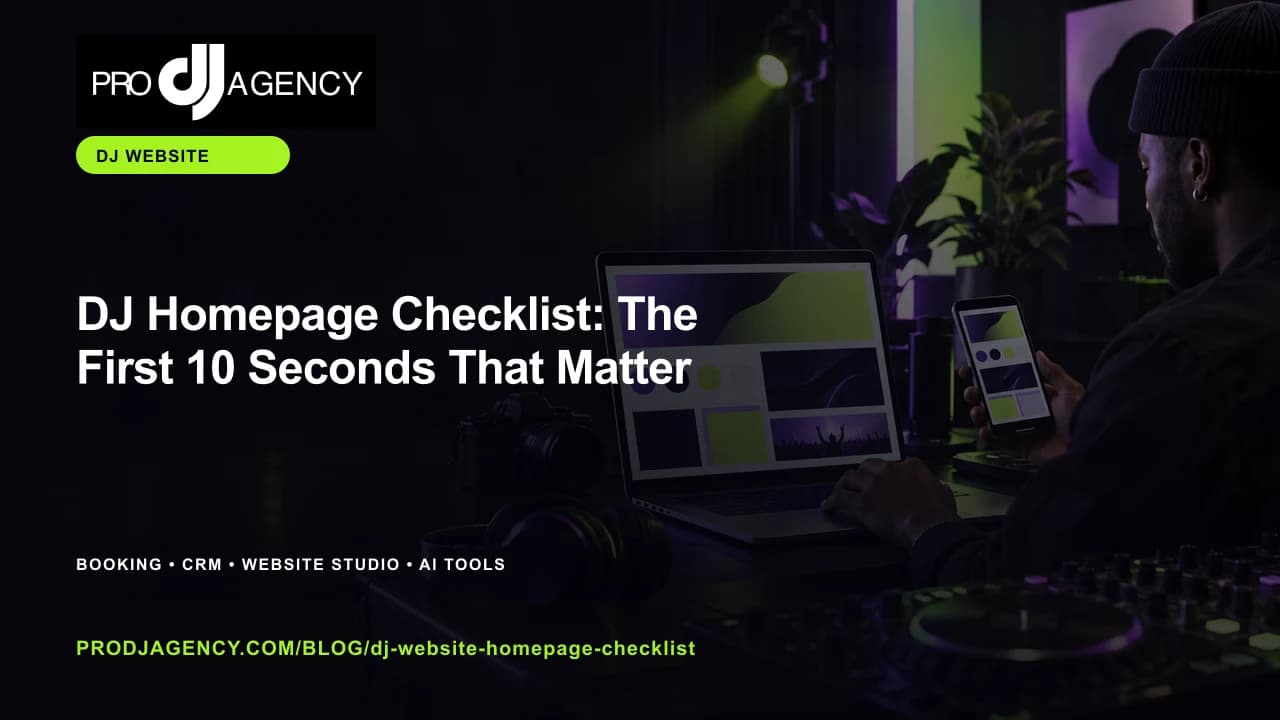
Your homepage should answer the visitor’s first questions quickly: what you do, where you work, what the experience feels like, and how to take the next step.
Checklist at a glance
- Name your best-fit event type
- Show service area or market
- Place proof beside the promise
- Use one primary booking CTA
Lead with the offer
Use a headline that names the event type, market, and experience you create. Avoid vague phrases that could belong to any DJ or entertainment business.
Prove the promise
Place real event photos, short stories, approved testimonials, mixes, or venue relationships near the claim they support. Context turns a gallery into evidence.
Make the booking path visible
Use one primary call to action such as check availability or start an inquiry. Repeat it after the service explanation and proof so visitors never have to hunt.
A simple review before you publish or send
Read the plan from the client’s point of view. Can they see what happens next, what they need to provide, and where their event is different from a generic booking? Remove any claim you cannot support and replace it with a clear detail about the work.
Frequently asked questions
Should a DJ homepage include prices?
Show pricing when your offer is standardized and it helps the buyer. When scope varies, explain the factors and invite a clear inquiry.
How many calls to action should a homepage have?
Use one primary action and a small number of supporting links. Too many equal buttons make the next step unclear.
Ready to put this into practice? Build a responsive DJ homepage with ProDJ Website Studio.
ProDJ’s free plan lets you start without a card. If the workflow becomes part of more of your business, the pricing page explains the paid plans and the capabilities connected to each one.
Ready to Level Up Your DJ Business?
See how ProDJ can connect your website, booking workflow, client follow-up, and event tools in one place.
Get Started Free